Most Housecall Pro accounts are configured during a 45-minute onboarding call and never touched again. The platform defaults are not built for HVAC shops, plumbing companies, or cleaning crews. Estimators build quotes from scratch because the price book is empty. Dispatchers send manual texts because automations were never activated. QuickBooks is full of duplicates because the chart of accounts was never mapped. If you are paying for the MAX plan, advanced reporting and multi-step automations sit completely idle.
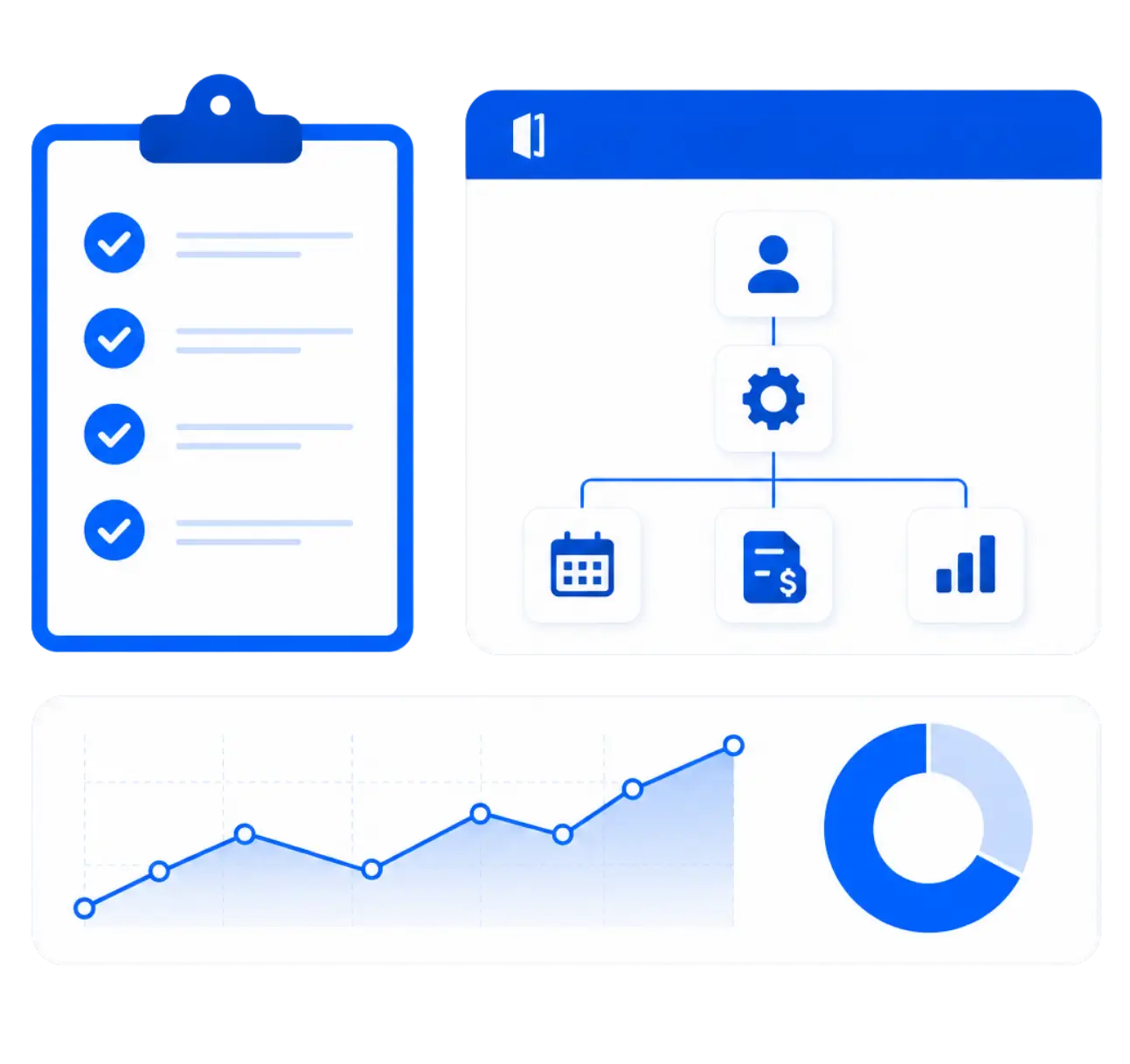
Business profiles, operating hours, employee permissions, and custom roles are configured so each team member sees only what they need.
Calendar views customized, arrival windows set, and technician tags organized for efficient drag-and-drop routing with no scheduling gaps.
Services and materials are organized into clear categories so your team can build accurate estimates in minutes, not by typing from scratch.
Local and state tax rates are mapped accurately to every applicable service type, keeping you compliant when tax season arrives.
Booking confirmations, on-my-way texts, and job completion emails are written and activated to run without anyone lifting a finger.
01
We map your trade, pricing model, and customer types, including property managers and commercial accounts, before any configuration begins.
02
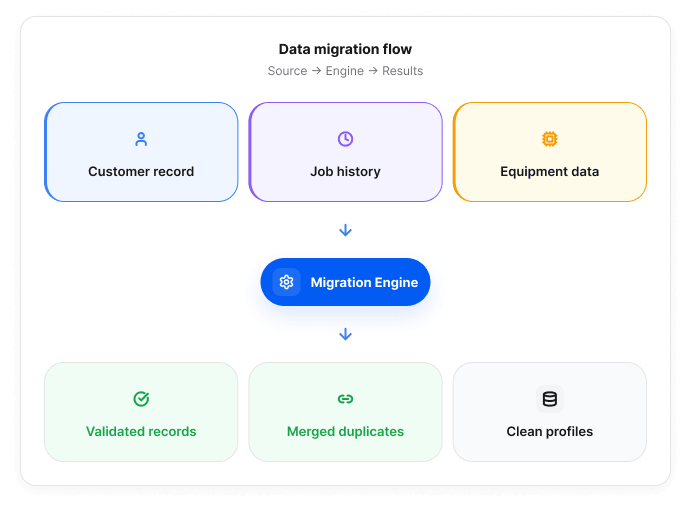
We log in and do the work. Customer data is imported, QuickBooks ledgers are mapped, and your flat-rate price book is built from the confirmed service list.
03
We walk you through the built account, run dummy jobs, sync test invoices to QuickBooks, and confirm every workflow fires correctly before anything goes live.
04
We activate your integrations, flip the account live, and train your office staff and field techs on how to use the system without breaking it.
Admin account access, your QuickBooks credentials, and a confirmed service and pricing list. We handle everything else and flag anything that needs your input along the way.
Book Your Free Account Audit
Start with a free audit. You will see every gap and the exact build plan before any paid work begins.
Book Your Free Account Audit
Most full implementations wrap in 5 to 10 business days. Complex accounts with data migration and QuickBooks ledger mapping typically run closer to two weeks.
We review your company settings, price book, automations, QuickBooks sync, job tags, and field app config. You get a prioritized gap list before any paid work is quoted.
Using it and having it configured correctly are two different things. Most accounts we audit have broken automations, an empty price book, and a QuickBooks sync that misfires.
Yes. MAX includes advanced reporting, open API access, and multi-step automations. In most accounts we audit, none of those features are switched on or configured.
No. We work inside your account while your team keeps dispatching. The live switch happens at a scheduled time with no gap in your ability to schedule or invoice.
Admin account access, your QuickBooks credentials, and a confirmed service and pricing list. We handle the rest and flag anything that needs your input along the way.