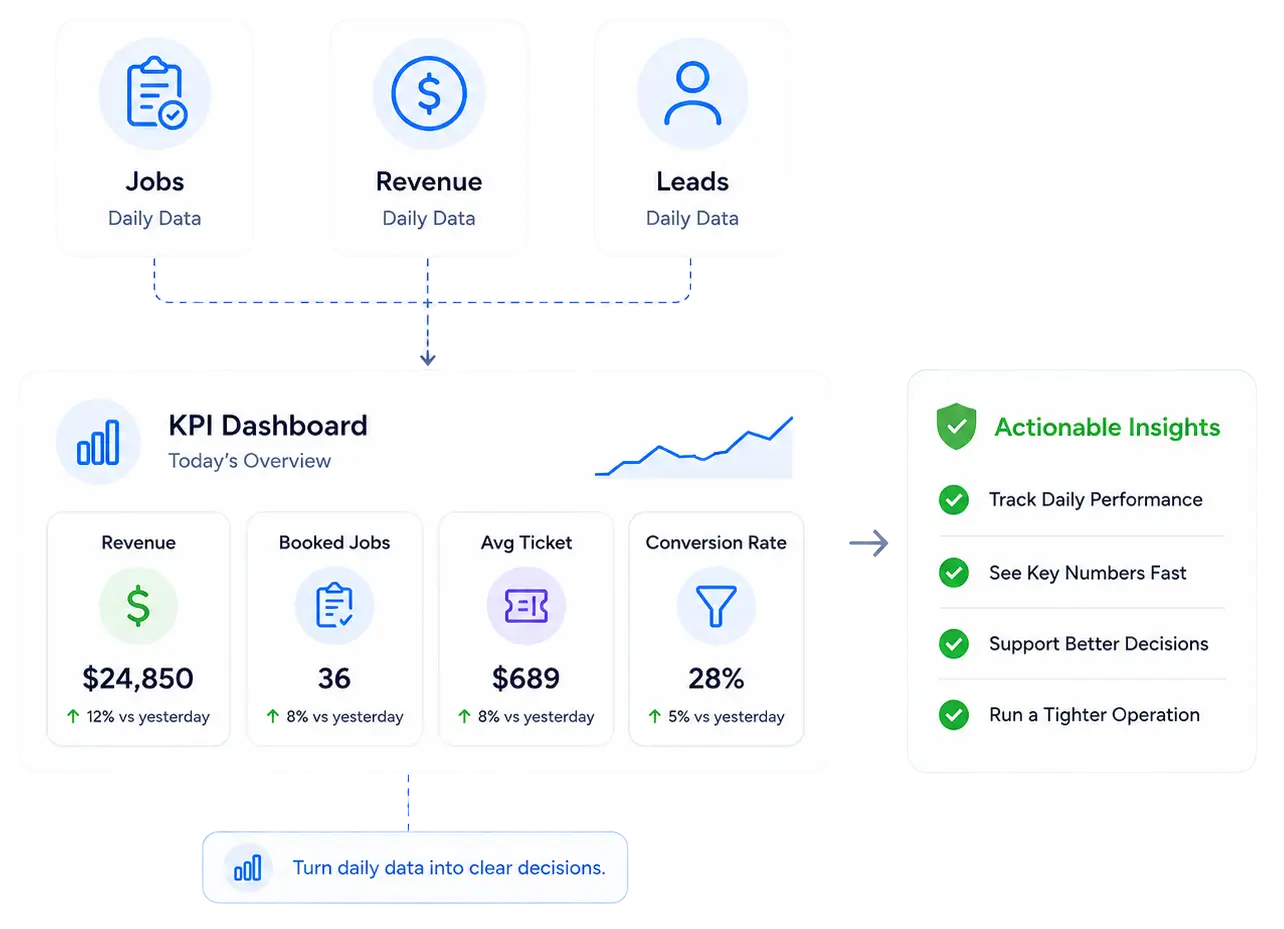
In the accounts we audit, businesses relying on manual reporting routinely spend most of their time collecting data and very little of it actually analyzing it. This creates costly data silos where platforms never communicate. Your team wastes hours exporting easily broken spreadsheets, leaving you with stale insights that are weeks out of date. Without real-time visibility, silent margin erosion kills your profitability before you even notice. Stop losing money to manual reporting.
We connect directly to your CRM, accounting software, and marketing tools so all your data lands in one place. For Housecall Pro accounts tied to QuickBooks, we verify the sync is feeding correctly before any dashboard is built on top of it.
We build separate views so the owner sees revenue trends and margin pacing while the dispatcher sees daily targets and open job counts. One dashboard that tries to serve every role ends up serving none of them well.
Click any metric and drill down by date, region, technician, or job type without leaving the screen. Static reports tell you what happened. This tells you why and who, fast enough to act on it before the next job goes out.
Set your quarterly revenue target, average ticket goal, and close rate benchmark, then watch the pacing dials update every single day. If you are behind pace mid-month, the dashboard tells you on Monday, not at the end of the quarter.
Get an instant notification when any KPI drops below or spikes above your threshold. If the average ticket falls on a job type or a tech's close rate slips two weeks in a row, you know before it becomes a pattern you would otherwise catch only after the fact.
01
We review your job type setup, tags, tech assignments, and current report outputs to find every structural gap that is making your numbers unreliable before we touch a single setting.
02
You receive a documented list of what needs to be fixed, in what order, before any paid work begins. The Fix-It Plan defines scope so there are no surprises on either side.
03
We reconfigure the account, activate the KPI dashboards, set up role-specific views, and verify the data is feeding correctly. You run the business while we run the build.
04
For teams that want reporting to stay current as the business grows, we own the dashboards on retainer, tuning KPIs and adding new views as targets and service lines change.
The free audit takes one session. We review your Housecall Pro account, document every reporting gap, and show you exactly what is broken before any work is scoped or quoted.
Book Your Free Account Audit
The audit reviews your job type setup, tags, technician assignments, and the data integrity behind your current reports. We document every gap making your numbers unreliable today.
Most reporting builds finish within five to ten business days once the Fix-It Plan is approved. Accounts needing significant cleanup may run longer, disclosed upfront.
Native reports only work if the account was set up correctly first. Most are not. Job types are miscategorized and revenue gets grouped in ways that hide real margin problems.
Yes. MAX accounts get advanced reporting, KPI-triggered automation, and open API access that Essentials does not have. If your dashboard looks basic, those features are unused.
No. You review the audit findings and approve the Fix-It Plan, then we execute the build and bring you back when the dashboard is ready for final review.
Yes. We verify the Housecall Pro and QuickBooks sync is functioning correctly before any dashboard is built on top of it, since a broken sync produces bad numbers.
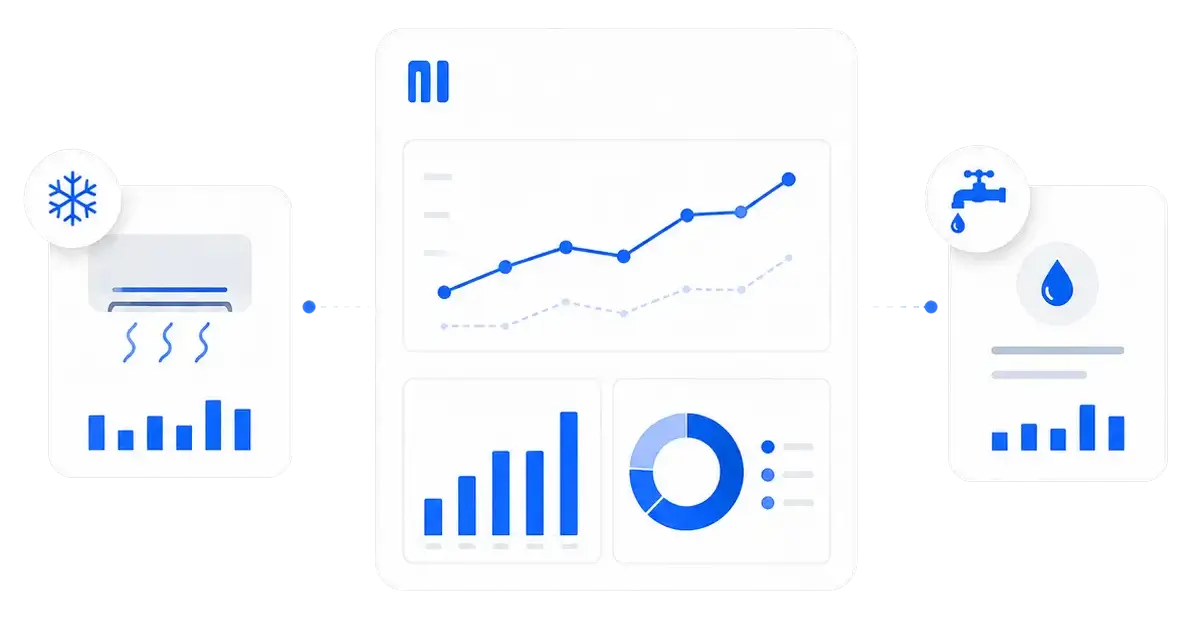
We build setups for HVAC, plumbing, electrical, residential cleaning, garage door, and pest control. Each one is built around the metrics that matter most for that trade.