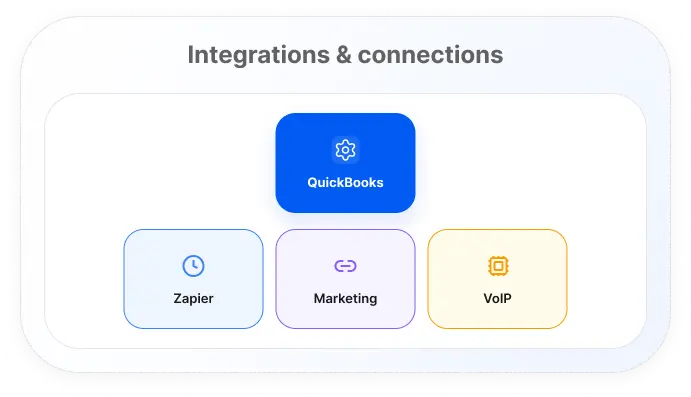
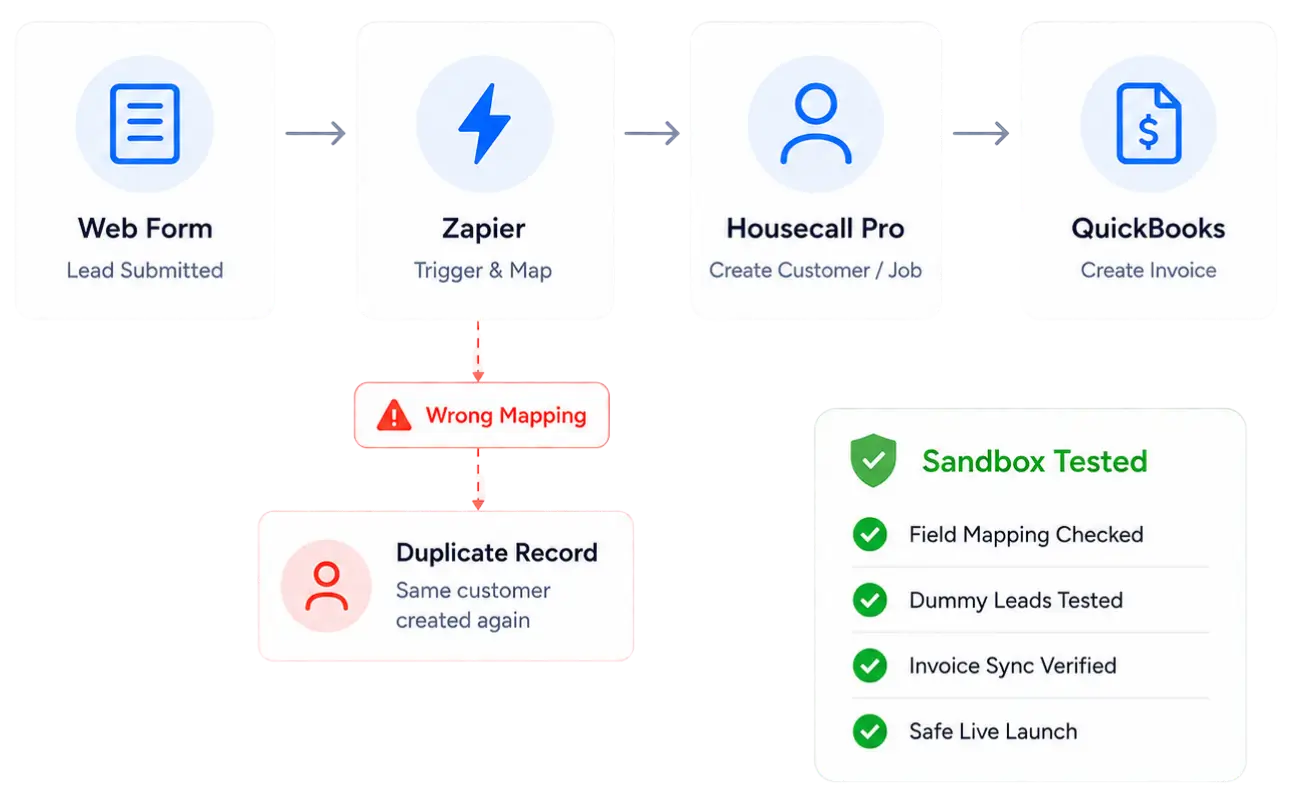
The QuickBooks chart of accounts was never mapped during setup, so completed invoices are marked as done in Housecall Pro, while your books show nothing. Partial payments, refunds, and credits compound the problem because the two platforms handle them differently by default, which is what turns reconciliation into a monthly manual chore. Meanwhile, your Zapier account is toggled on but has zero active Zaps, so every lead from your website contact form routes to an email inbox instead of creating a customer record automatically. On the MAX plan, that also means your open API access and webhook endpoints have been sitting idle since you upgraded.
Most QuickBooks sync failures in Housecall Pro trace to an unmapped chart of accounts where income categories and payment types were never assigned. We correct every field, clear duplicate records, and run a job-type test before the sync goes live.
Connecting Zapier to Housecall Pro opens the trigger-and-action framework, but with no Zaps built, nothing moves. We map your lead source into Housecall Pro field by field and validate the pipeline with test submissions before real data enters it.
We configure Mailchimp so new Housecall Pro customers push to the right audience segments via tag filters, no manual export required. For Google LSA, we connect your Business Profile to Job Inbox so leads become Housecall Pro records immediately.
MAX plan accounts can route inbound phone leads into Housecall Pro's Job Inbox via webhook, ending manual re-entry of caller data. We configure the endpoint, validate with a test call, and confirm clean field values in Housecall Pro before handoff.
01
Every enabled integration, every broken one, and every idle paid feature in your Housecall Pro account gets documented before any work is scoped.
02
A field-level blueprint maps how data moves from your website form through Zapier into Housecall Pro and out to QuickBooks, trigger by trigger.
03
Test data runs through the full pipeline until invoice totals match, customer records land without duplicates, and field formatting holds throughout.
04
Integrations go live, the first round of syncs is monitored for edge cases, and your team gets a walkthrough of the automations before handoff.
The audit maps every integration in your account, broken or idle, and shows you the fix before any work is scoped.
Book Your Free Account Audit
A QuickBooks Online setup and Zapier build for two to three lead sources takes five to seven business days. Accounts with duplicate records or broken sync histories take longer.
Every integration in your Housecall Pro app store gets reviewed, including Zapier Zap status, QuickBooks sync errors, duplicate records, and your MAX plan API configuration.
MAX plan accounts unlock open API access, webhooks, and API Leads in Job Inbox, enabling VoIP, CRM, and lead source integrations unavailable on lower tiers.
Duplicate records from a misconfigured sync are the most common issue we fix. We reconcile the records, remove duplicates, and correct the chart of accounts mapping.
Custom web forms connect to Housecall Pro through Zapier via a webhook trigger. Every submission creates a formatted customer record in Housecall Pro automatically.
Integration scope varies widely by how many systems you're connecting, so we quote after the Tech Stack Audit, not before.