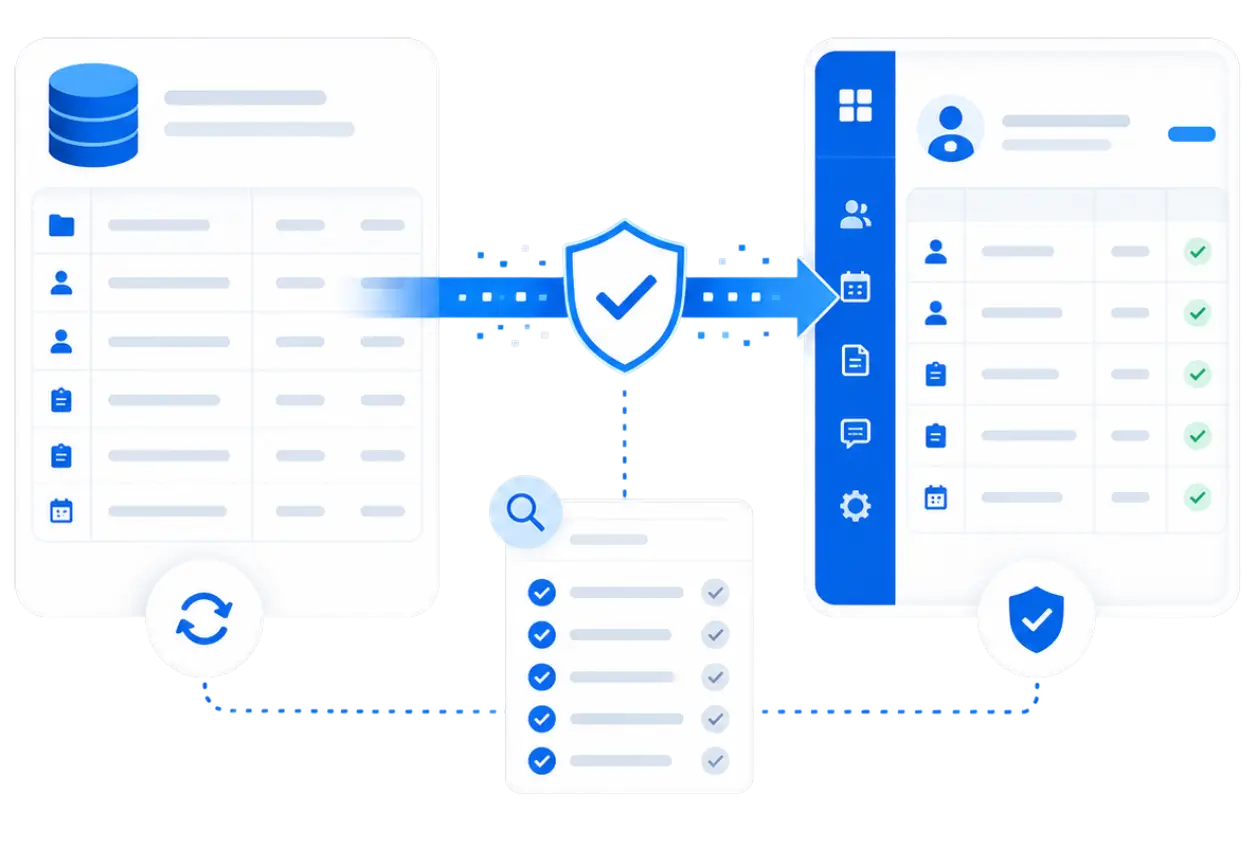
DIY spreadsheet imports look simple until technician notes and equipment history disappear, leaving only names and addresses behind. That gap is the real risk behind any rushed field service CRM data transfer. Duplicate customers and messy price books corrupt your QuickBooks sync the moment they load, turning one bad file into months of bookkeeping cleanup. Housecall Pro also has no custom fields, so anything outside its standard fields vanishes unless it gets routed into Tags or Notes first.
We preserve parent and child billing relationships, unique customer IDs, and the difference between service and billing addresses, then format every phone number to a clean 10-digit standard so text notifications reach the right device.
Past invoices, serviced equipment, technician notes, completion dates, and line item histories move with every job, so your team keeps full context on each property instead of starting from a blank customer file.
Flat rate pricing calculations, material costs, labor rates, and tax codes transfer intact, organized into Housecall Pro's industry, category, and subcategory structure so techs find the right price in seconds.
Open balances, recurring service agreements, and maintenance plans transfer with accurate dollar amounts, then map directly into QuickBooks Online or Desktop so reconciliation works correctly from day one.
A standard migration, one source system, a clean customer list, and a few thousand records or fewer, runs inside the standard Setup & Implementation timeline of 5 to 10 business days. Migrations with multiple source systems, heavy duplication, or tens of thousands of historical job records take longer, typically 1 to 3 weeks, and are scoped as their own line item in your Fix-It Plan so the timeline is never a surprise.
01
We pull the raw export files straight from your legacy software, whether that is ServiceTitan, Jobber, or a folder of disconnected spreadsheets nobody has touched in years.
02
We standardize formats, merge duplicate customer profiles, and correct zip codes so the Housecall Pro map and service area routing work correctly starting day one.
03
Housecall Pro does not support custom fields, so we route every unmapped legacy field into the right tag or customer note instead of letting that data disappear.
04
A small test batch runs through a sandbox account first, confirming formatting, price book accuracy, and QuickBooks sync integrity before we touch any live data.
05
We push the final data load during off hours, so your dispatch board, price book, and customer files are ready before the first truck rolls out that morning.
The audit is free and shows you exactly what will move, what needs cleanup, and how long your migration will take before any paid work begins.
Book Your Free Account Audit
Standard migrations finish in 5 to 10 business days as part of a Setup & Implementation build. Complex migrations with multiple source systems or large historical data sets run 1 to 3 weeks. You get an exact written timeline before any paid work starts.
We review your customer list, job history, and price book to flag duplicates, missing fields, and anything that will not map cleanly into Housecall Pro.
Specifically, yes. MAX plan accounts are audited for advanced automations, API configuration, multi-location setup, and profitability reporting. These are the features most likely to be paid for and unused.
MAX accounts include advanced reporting and job costing fields that Essentials does not have, so we map more data points and configure those reports during the move.
Housecall Pro does not support custom fields. We route anything unmapped into a labeled tag or customer note so it stays visible instead of disappearing.